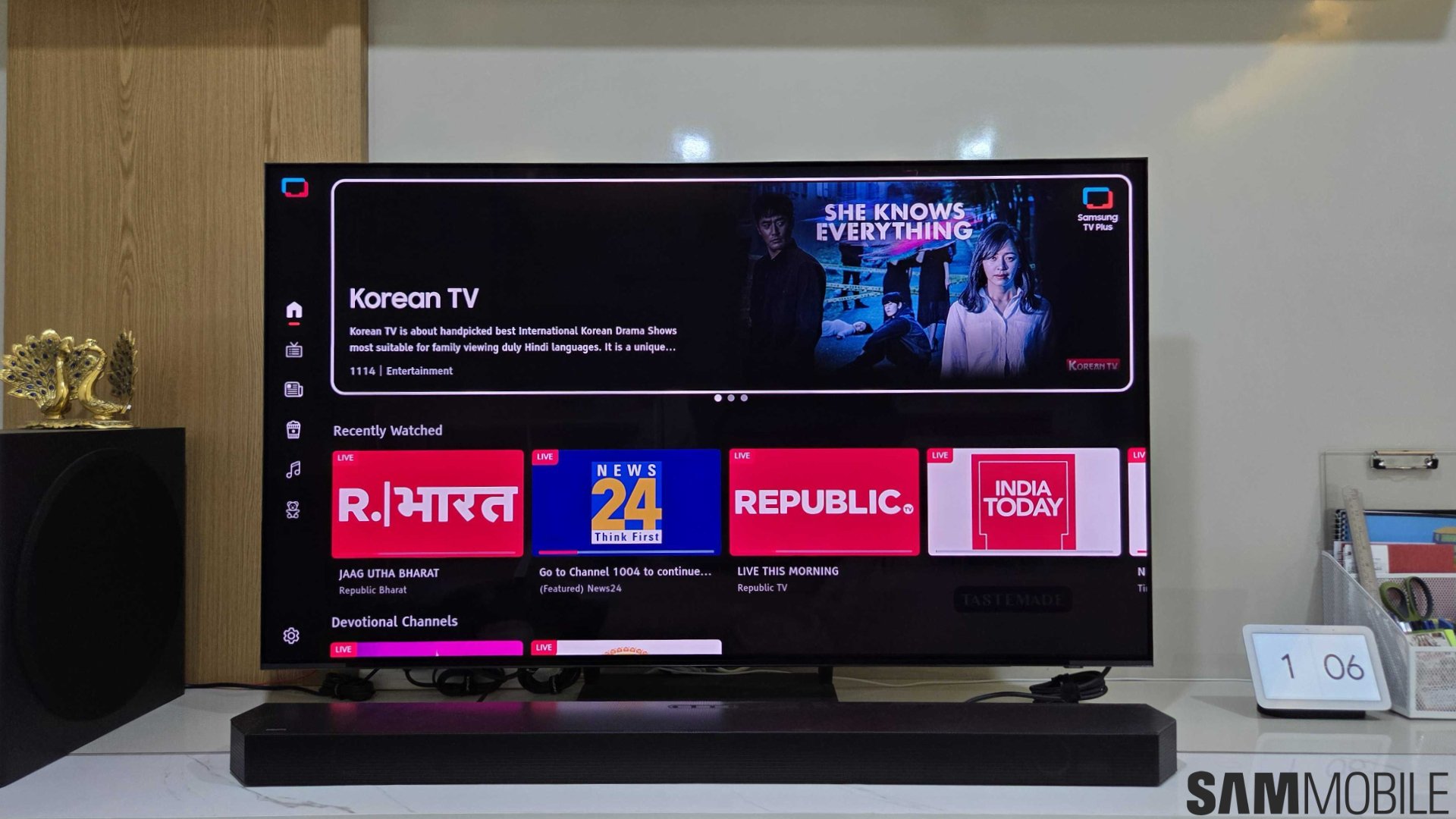

Samsung has been the world’s biggest TV brand for 20 consecutive years for a reason. It makes incredible TVs, especially in the high-end segment. After reading glowing reviews of QD-OLED TVs, I bought the S90C TV over two years ago. I have been really happy with its performance, thanks to mesmerizing colors, perfect blacks, and extremely wide viewing angles.
It has served as the centerpiece of my living room and wowed a lot of people. However, after over 5,000 hours of use, it is clear its hardware is being held back by multiple minor software issues.
1. Samsung TV Plus pops up even when I don’t want to use it
One of my biggest gripe with Samsung TVs is the aggressive behavior of Samsung TV Plus. While a free, ad-supported streaming service is nice to have, it can feel invasive.
When I access the TV’s Settings menu from the home screen, the TV insists on launching the last-used app or defaulting to Samsung TV Plus. Pressing the channel button also launches Samsung TV Plus.

There is no way to simply adjust picture or sound settings without the TV forcing a video source to load in the background. It turns a simple adjustment into a frustrating waiting game.
2. Huge volume bar
When adjusting volume, a massive overlay on the left side consumes nearly a quarter of the screen just to display Q-Symphony details and speaker configurations. While the technology behind Q-Symphony is impressive, there is no need to show all those setup details every single time you change the volume on the TV.

Even though the latest software update (One UI Tizen with Tizen OS 9) has somewhat fixed this issue, making the volume bar much smaller, it still constantly displays how a Samsung soundbar is connected to the TV (like HDMI or Wi-Fi). And the text scrolls to display the full name of the audio output device.
3. Wireless Q-Symphony and Wi-Fi issues
The wireless aspect of Q-Symphony still feels like a work in progress. On a mesh Wi-Fi network, which is standard in many modern large homes, the 5GHz connection on Samsung soundbars can prove unstable even while the TV remains connected to the same 5GHz network. That can make Wireless Q-Symphony unreliable. This issue is pretty widespread, and people constantly complain about it.
After facing these issues consistently, I connected my HW-Q800C soundbar to my S90C using an HDMI cable. Despite owning a high-end TV and soundbar designed to work wirelessly together, I was forced to use a wired connection.
Similarly, the lack of Wi-Fi network priority settings means the TV occasionally hops between two Wi-Fi networks (if you have two Wi-Fi networks), with no way to lock it to a preferred connection.
4. Music apps can't run in the background
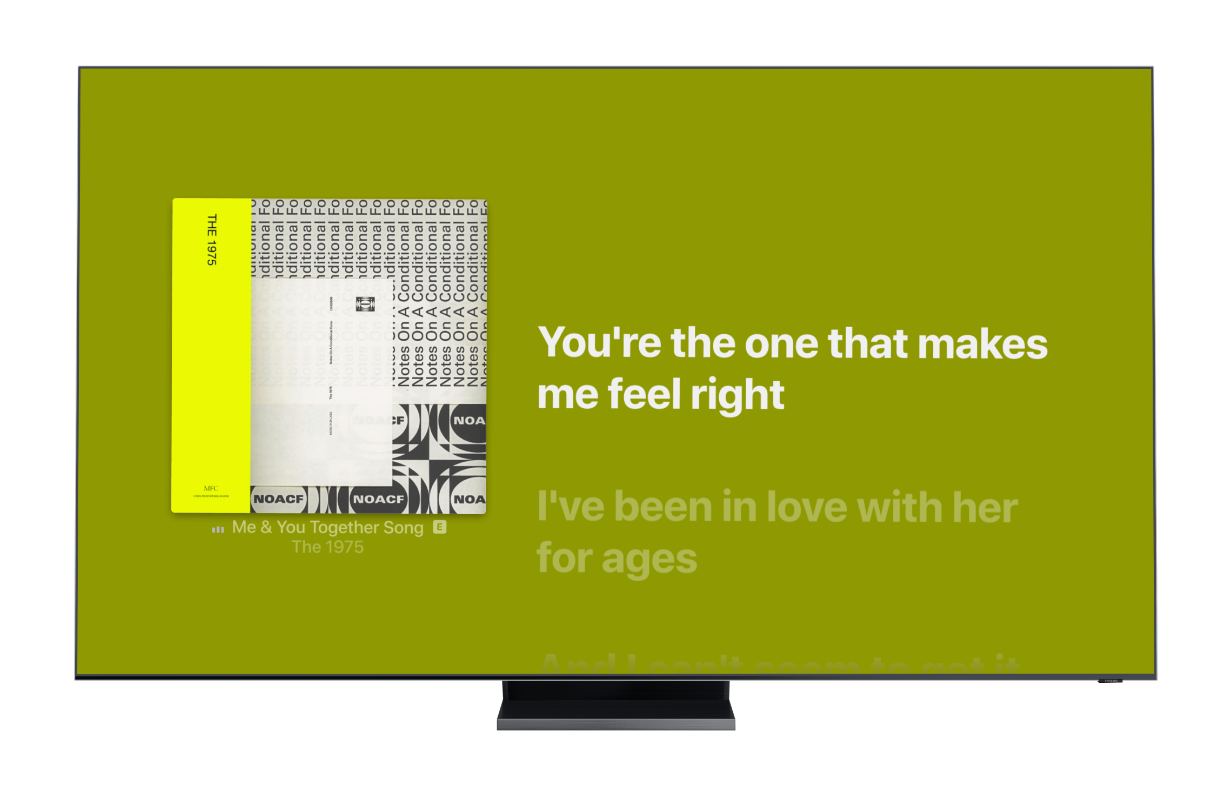
Tizen OS also feels restrictive when it comes to multitasking. It is baffling that music streaming apps like Apple Music and Spotify cannot continue playing music in the background when I return to the home screen to browse other content.
That should not be an issue on a modern operating system. Apple's tvOS and Android TV (or Google TV) can run music in the background.
5. No dedicated input switcher button
While I appreciate Samsung’s SolarCell Remote for its compact size and innovative charging, it frustrates me that it lacks a dedicated input switcher button.
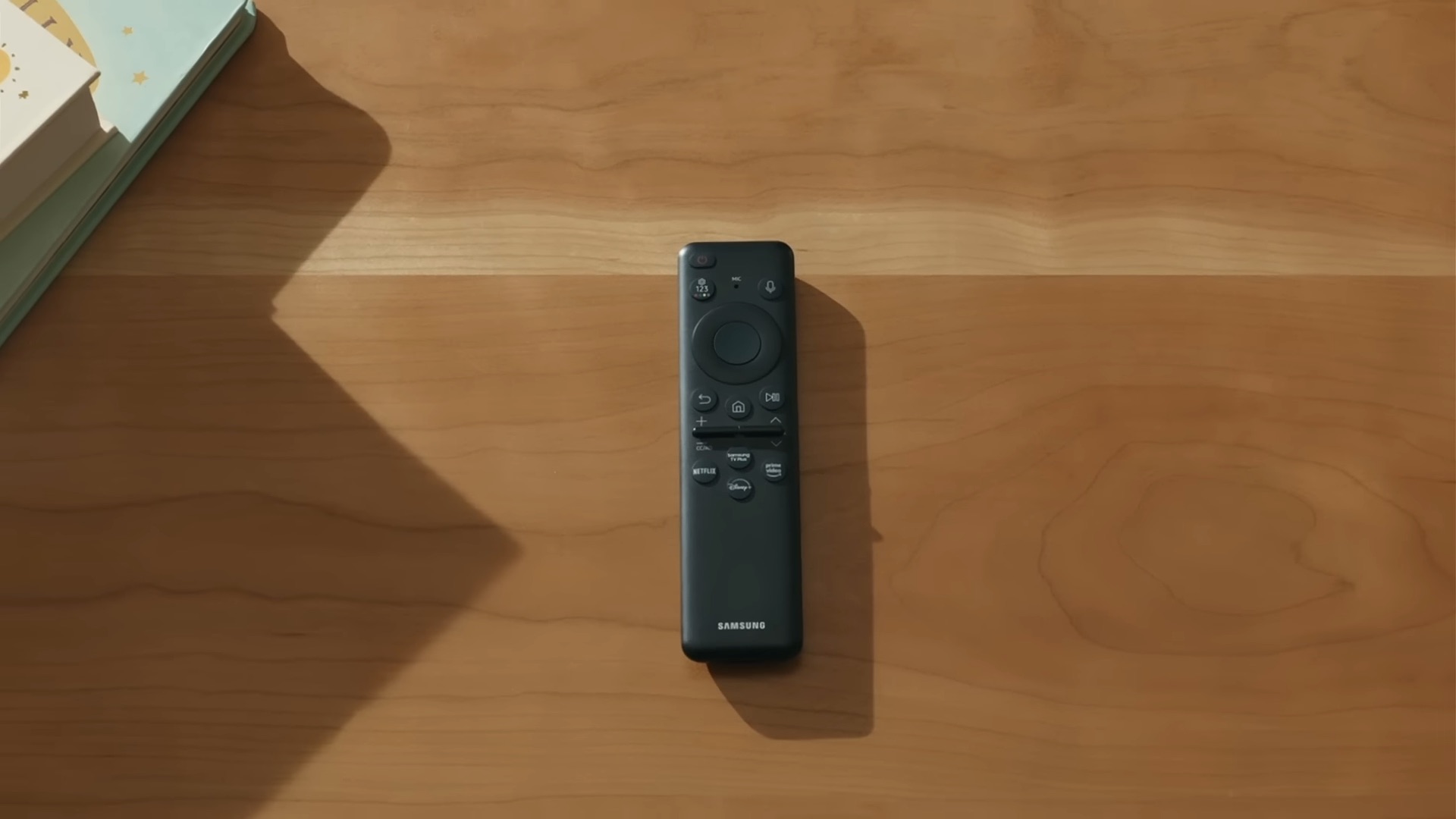
If I want to switch from my set-top box to the Xbox Series X, I have to navigate back to the home screen, scroll to the far-left hamburger menu, and dig through the input list. Many users would probably welcome Samsung replacing one of the four streaming app shortcut buttons with an input switcher shortcut.
6. No easy way to check current audio and video info
Samsung TVs also lack a standard information overlay. Checking whether you are actually receiving a 4K HDR signal or Dolby Atmos audio often feels like a guessing game. The “i†button is buried in an on-screen submenu and only works intermittently across different apps and inputs.
You can check if your TV is displaying SDR, HDR10, or HDR10+ content by accessing the Quick Panel and hovering over the Picture Mode button. If it doesn't display the HDR logo, it means the TV is playing SDR content. If it is displaying HDR10 or HDR10+, the Picture Mode shows the respective text.
Samsung has mastered the art of making TVs with great picture quality, but user experience needs a lot more attention. The company has improved UI on its phones and tablets immensely over the years, and it now needs to do bring the same level of polish to its TVs.


Post a Comment